
Best National Park Apps for Families Planning a Trip
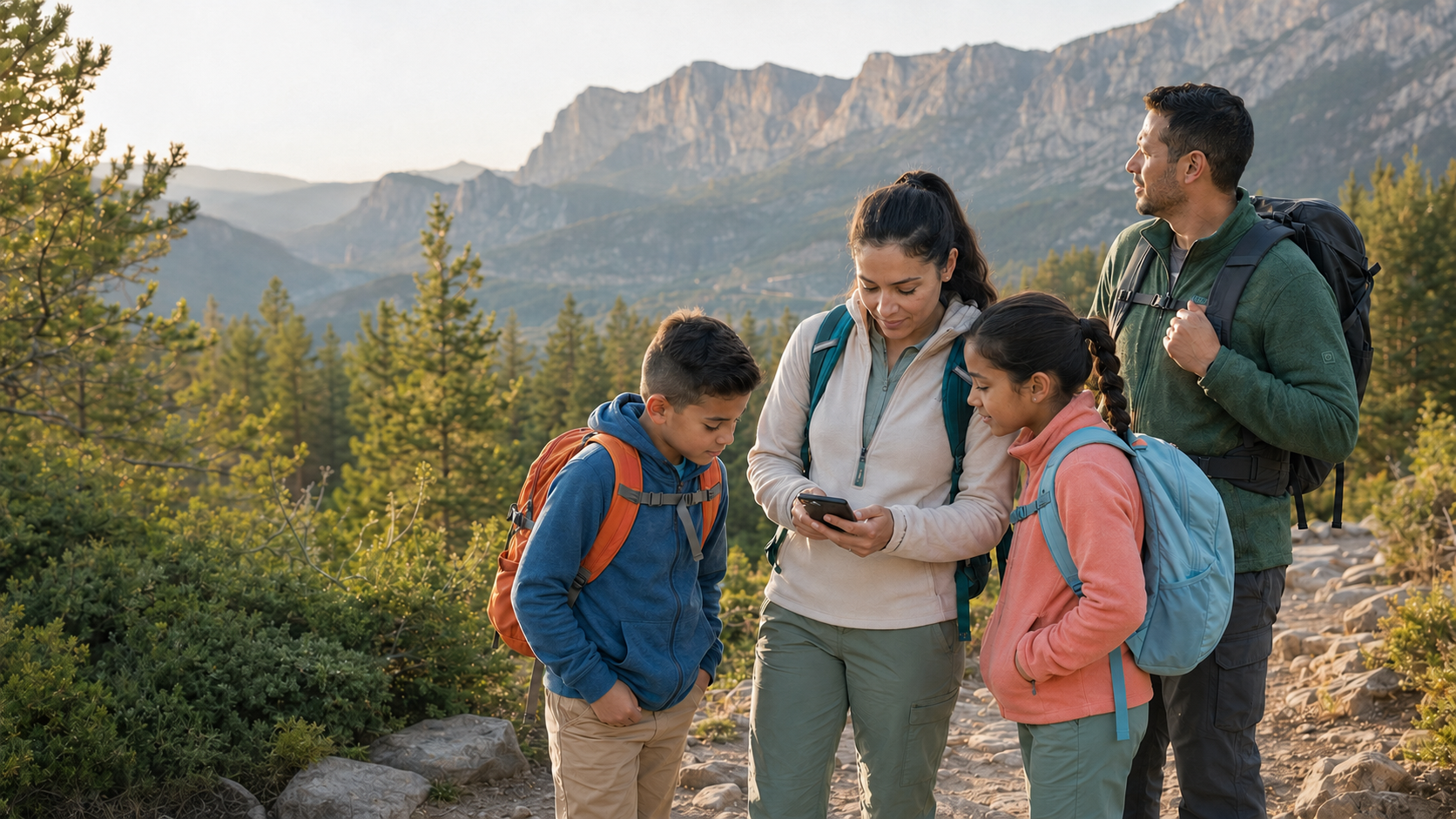
Pulling up a trail map on your phone only to realize you have no cell service is one of those lessons most families learn exactly once. National parks are famous for their beauty and equally famous for their spotty reception. The right apps on your phone before you leave home can be the difference between a smooth day in the park and an avoidable mess.
There are a lot of apps competing for space in this category, ranging from genuinely useful to mildly disappointing. This guide covers the best national park apps for families, what each one actually does well, and which ones are worth downloading before your next trip.
Why App Prep Matters More at National Parks Than Anywhere Else
National parks aren't like city destinations where you can Google your way out of any problem. Many of the most popular parks sit in remote mountain ranges, deep canyons, or dense forests where cell service drops fast and stays gone. Families with young kids are especially vulnerable to poor planning because there's less margin for error.
Good apps help with three things above all. Offline maps so you don't get turned around on trails, campground reservations so you actually have a place to sleep, and practical park info like shuttle schedules, trail conditions, and entrance fees. If you're weighing whether the America the Beautiful pass makes sense, sort that before you download anything. The apps below cover all three categories.
One more thing worth doing at the same time. Handing kids a bit of the planning is the easiest way of getting kids excited early, and it turns app prep into part of the trip rather than a chore.
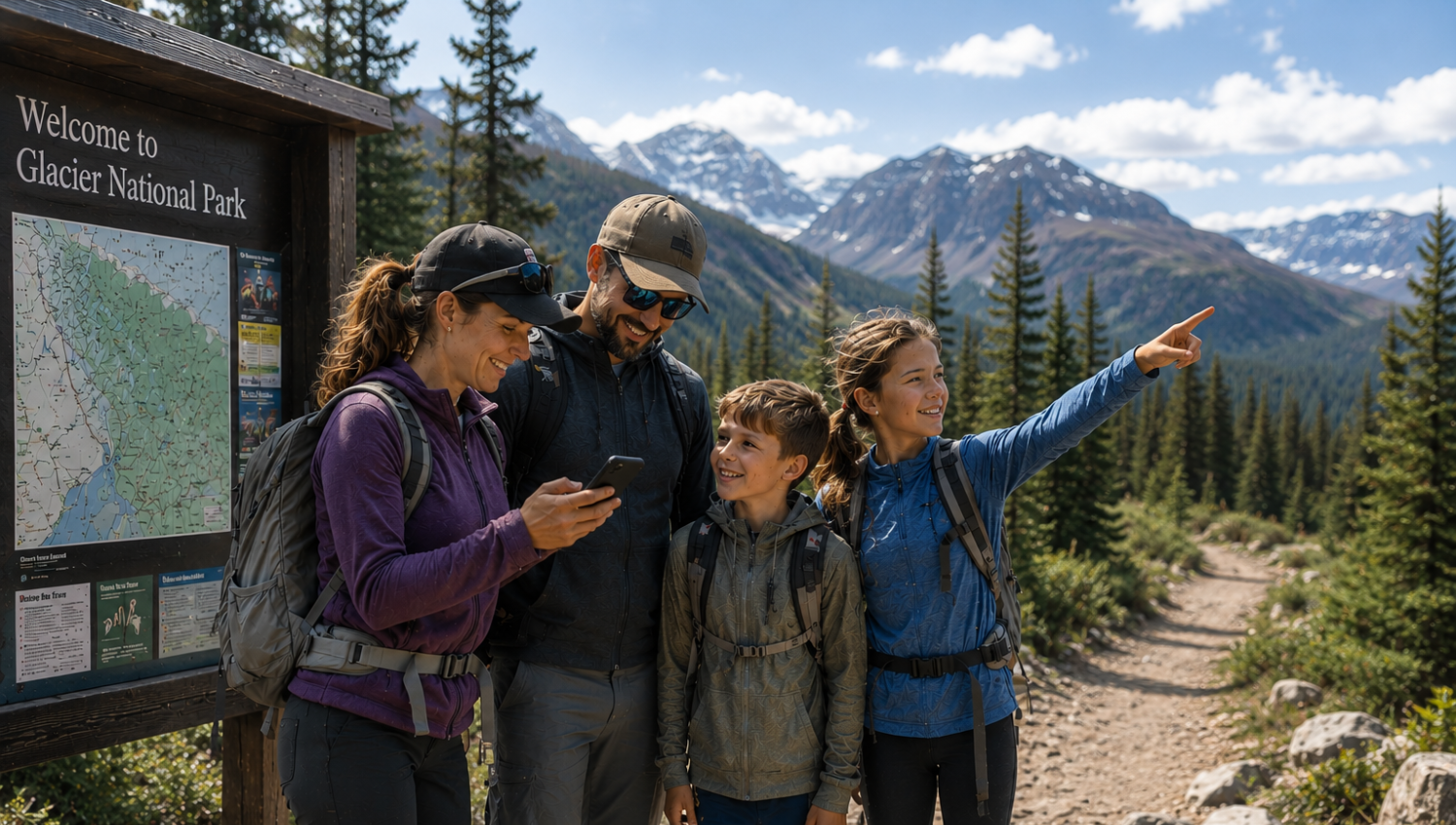
The Official NPS App
Best for: overall park info, offline maps, and self-guided audio tours
The official NPS app is the single most useful tool for national park trips, and it's completely free. Built by park rangers and updated by NPS staff, it covers all 400-plus national parks in one place. You get interactive trail maps, points of interest, ranger-led programsand their schedules, shuttle routes, and accessibility information for every park.
The offline download feature is what makes it genuinely essential for families. Before you leave home, open the app, find your park, and tap the download button. The entire park's content downloads to your device and works without any cell signal. That includes maps, trail guides, and self-guided audio tours.
The audio tours are particularly great for families. Kids who might tune out a ranger talk will often stay engaged when they're walking a trail and hearing the story of what they're looking at through headphones. Several parks have multiple tour routes, and some include kid-specific narration. The app also tracks badges, so it helps to understand how Junior Ranger badges work before you start collecting them.
Cost: Free
Works offline: Yes, after downloading individual parks
Best feature for families: Audio tours and the Junior Ranger digital badge tracker
Platform: iOS and Android
Recreation.gov
Best for: campground reservations and permits
If you're planning to camp at a national park, Recreation.gov is non-negotiable. It's the official federal reservation system for campgrounds, permits, and timed entry passes across more than 3,600 federal recreation areas. You can search for campground reservations at national parks, filter by hookups or tent-only sites, check real-time availability, and book everything in one place.
For families, the biggest thing to know is timing. Popular campgrounds at parks like Yosemite,Acadia with young kids, and Rocky Mountainopen their reservation windows months in advance and fill minutes within. Set calendar reminders for the exact day and time your target campground opens. The Recreation.gov app sends notifications and makes last-minute rebooking easier than the desktop site.
The app also handles timed entry reservations, which some busy parks now require during peak season. Without that reservation, you can be turned away at the entrance. Book these the moment they become available for your travel dates. Booking fees are small, but they add up fast when you’re doing parks on a budget across a whole summer.
Cost: Free (booking fees apply per reservation)
Works offline: Limited, but confirmations and details are accessible
Best feature for families: Campsite filters for tent pads, fire rings, and accessibility
Platform: iOS and Android
AllTrails
Best for: finding and filtering family-friendly hikes
AllTrails is the most widely used trail app in the country, and for good reason. It has crowd-sourced reviews, trail photos, difficulty ratings, and detailed maps for trails across every national park. For families specifically, the filter system is the killer feature. You can filter by kid-friendly designation, distance, elevation gain, and difficulty level all at once, which is how most parents land on the easy hikes at Rocky Mountain worth doing with little legs.
The free version gives you access to trail listings and basic maps, which is genuinely useful. The paid AllTrails Pro plan adds offline maps, which is where it becomes a real field tool. Offline trail maps download at a granular level and are reliable enough to navigate with even when you’re deep in a canyon with zero bars. That matters in a shuttle-dependent park, so pair it with a plan for Zion with kids if that’s on your list.
User reviews are worth reading before you go. Parents regularly note things like stroller accessibility, whether creek crossings are manageable with kids, and how crowded a trail gets by midday. That's the kind of context that doesn't appear on any official park map.
Cost: Free with limited features; Pro plan required for offline maps
Works offline: Yes, with Pro subscription
Best feature for families: Kid-friendly trail filter and user-submitted reviews
Platform: iOS and Android
Gaia GPS
Best for: backcountry navigation and detailed offline trail maps
Gaia GPS is the app serious hikers reach for when AllTrails isn't detailed enough. It layers multiple map types including topographic, satellite, and public land boundary maps, and all of it works offline after downloading. If your family is taking on longer hikes, multi-day backpacking, or heading into less-trafficked sections of a park, Gaia is the stronger navigation tool. It's also the app to have if Grand Canyon safety is on your mind, since rim trails and inner canyon routes are very different animals.
The learning curve is steeper than AllTrails, but the payoff is significantly more detail. You can see exactly where a trail runs across the topography, identify water sources, and plan routes that aren’t in the official trail database. For families with older kids who are getting into more serious hiking, it’s worth spending 30 minutes with the app before the trip.
Cost: Free with limited features; annual membership for full offline access
Works offline: Yes, with downloaded map layers
Best feature for families: Multi-layer topo maps and route planning tools
Platform: iOS and Android
Roadtrippers
Best for: planning the drive to and between parks
Roadtrippers is a road trip planning app that shines when your family is driving to a national park or connecting multiple parks on one trip. You input your start and end points and the app suggests worthwhile stops along the route, including state parks, roadside attractions, scenic overlooks, restaurants, and gas stations.
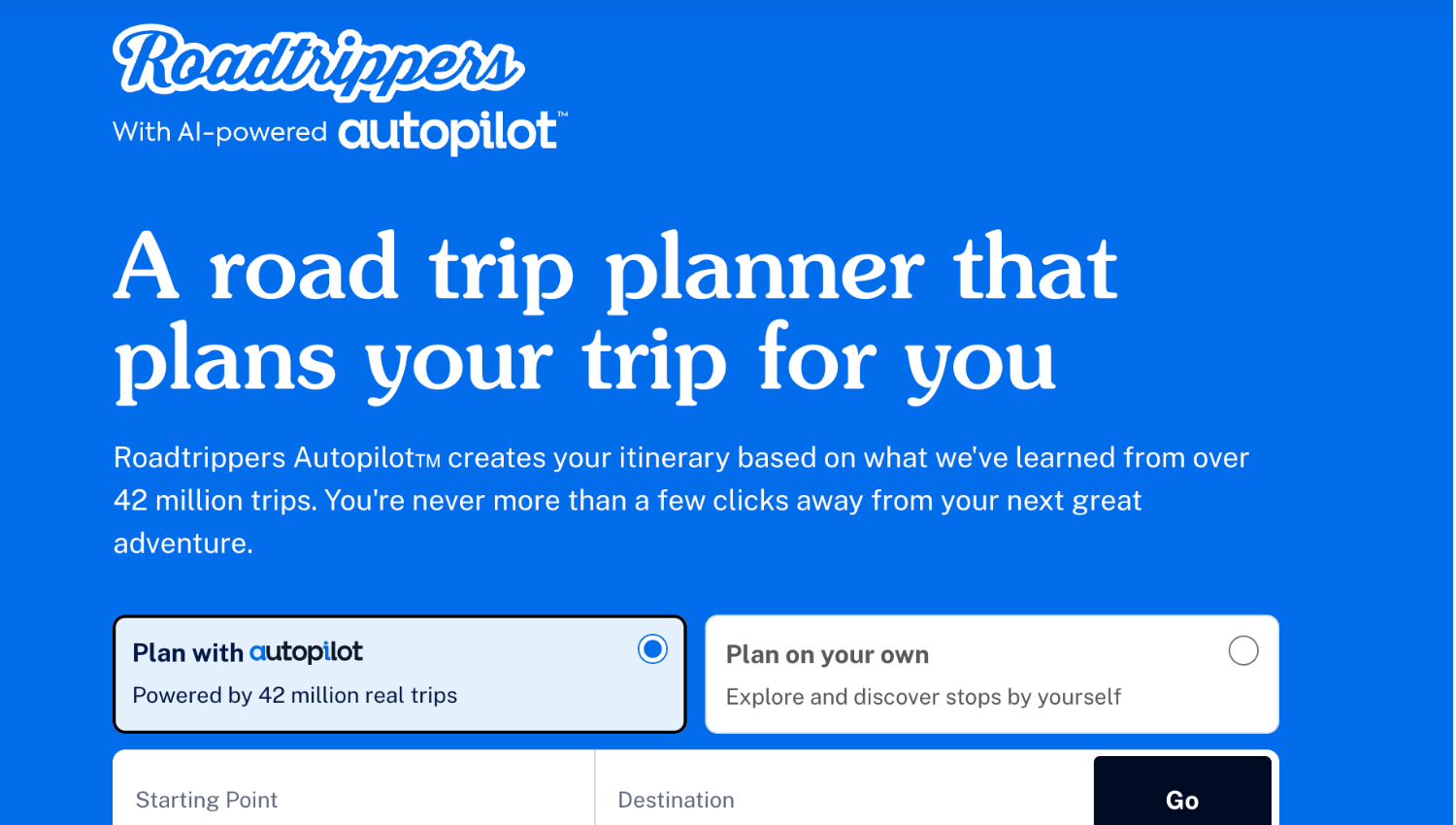
For families covering long distances, this saves a lot of time that would otherwise go into searching for places to stop. You can also build a custom itinerary and share it with other adults in the group. The free version covers basic route planning. Roadtrippers Plus adds turn-by-turn navigation, more detailed campsite info, and unlimited trip stops. Route planning handles the driver, but a set of screen-free road trip activities handles the backseat.
Cost: Free with limited stops; Plus plan for full features
Works offline: Turn-by-turn navigation with Plus plan
Best feature for families: Auto-discovery of stops along your route
Platform: iOS and Android
What to Download Before You Leave Home
The order of operations matters. Waiting until you're at the entrance station to grab your apps is too late. Here's what to do at least two days before your trip.
Download the NPS app and pull up your specific park. Tap the download button for offline access. Do this on WiFi.
Open AllTrails, search your park, and save the trails your family plans to hike. Download the offline maps for each one if you have Pro.
Log into Recreation.gov and confirm all campsite and permit reservations. Screenshot or print the confirmation numbers.
If you're driving more than a few hours, build your route in Roadtrippers and save it. Check it loads without WiFi before you go.
Charge a portable battery pack. Apps drain battery faster than usual because GPS stays active on the trail.
What Apps Can't Replace
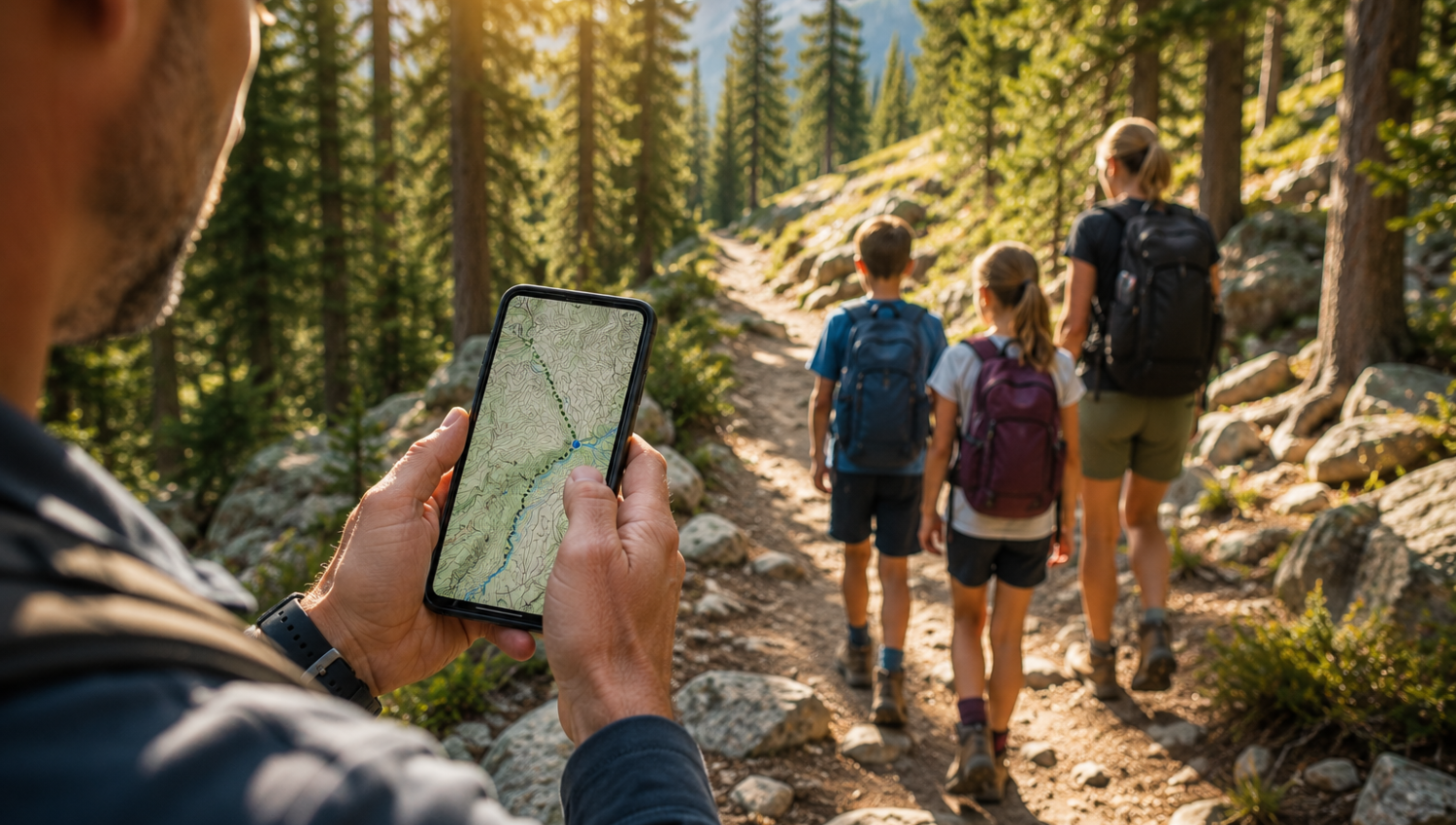
Apps are genuinely useful, but they work best when combined with other forms of preparation. A phone screen is harder to read in bright sunlight, battery life on a long day can be tight, and staring at a device while hiking with kids often means missing the actual point of being outside.
The families who get the most out of a park visit tend to use apps for planning and navigation while leaving room for the park itself to do the teaching. That’s a big part of raising outdoor-loving kids rather than kids who hike with a screen in hand.
A screen-free adventure guide for kids that includes trail activities, wildlife tracking, and journaling gives kids something hands-on to engage with in the moments between app check-ins. It also gives them a reason to look up and actually notice the wildlife kids can spot along the way.
Paper maps from the visitor center are also worth grabbing every time. They're free, don't need charging, and are often clearer than a phone screen for orienting yourself at a trailhead. The same logic applies to a national park passport book, which gives kids a physical record no app really matches. Use them alongside your apps rather than treating one as a substitute for the other.
The Right Apps Make the Whole Trip Easier
The best national park apps for families are the ones you set up before the trip, not the ones you frantically search for in a parking lot with no signal. The NPS app and Recreation.gov are the two must-haves. AllTrails or Gaia GPS fills the trail navigation gap. Roadtrippers handles the drive.
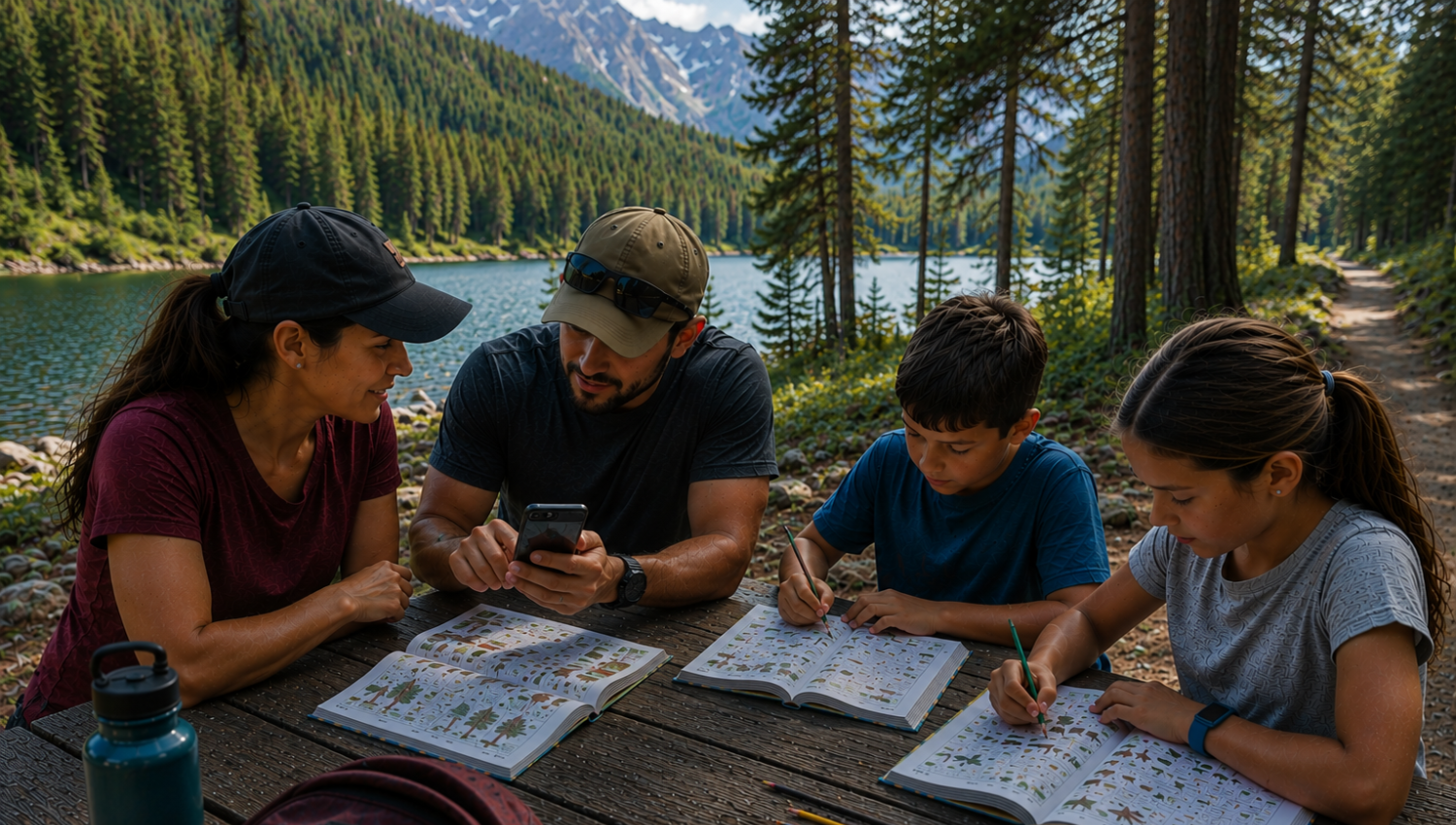
Set those up, download everything on WiFi, and your family walks into any national park with the information you need already in your pocket. Do it a few times, and you’ve got the makings of an annual family tradition rather than a one-off trip.
If you want to go one step further and give your kids something to do that doesn’t involve a screen while you’re actually on the trail, the park-specific Wonder Park Family activity guides are built exactly for that gap. Here’s a look at inside our Yellowstone guide if you want to see how one works.
Frequently Asked Questions
What is the best app for visiting national parks?
The official NPS app is the best single app for national park visits. It's free, covers all 400-plus parks, works offline after downloading, and includes interactive maps, audio tours, and real-time alerts. Pair it with Recreation.gov for campground reservations and AllTrails for trail navigation.
Does the NPS app work without cell service?
Yes. The NPS app has a full offline mode. Before your trip, open the app, navigate to your specific park, and tap the download button on WiFi. The entire park's maps, tours, and trail information will be available without any cell signal during your visit.
What app should I use to reserve a campsite at a national park?
Recreation.gov is the official federal reservation platform for national park campgrounds, permits, and timed entry passes. It covers more than 3,600 federal recreation areas. Download the app and set notifications for when your target campground opens its booking window, since popular sites fill quickly.
Is AllTrails worth it for national park hiking?
AllTrails is very useful for finding and filtering family-friendly trails before your trip. The free version gives you trail listings and basic maps. AllTrails Pro adds offline maps, which makes it a reliable navigation tool in areas without cell service. The crowd-sourced reviews from other parents are especially practical.
What are the best apps for families planning a national park road trip?
For a national park road trip, use Roadtrippers to plan your route and identify stops, Recreation.gov to lock in campground reservations, the NPS app for park-specific information and offline maps, and AllTrails for trail research. Download everything on WiFi before you leave home.
How do I use offline maps at national parks?
Open your map app (NPS app, AllTrails Pro, or Gaia GPS) while connected to WiFi and find the download option for your specific park or trail area. The content saves to your device and stays accessible without any internet connection. Always download before you leave home, not at the park entrance.
Is there a free national park app?
Yes. The official NPS app is completely free and covers every national park in the country. It includes offline maps, audio tours, trail information, and accessibility tools. Recreation.gov is also free to download, though individual campground reservations carry a small booking fee.
Do national parks have good cell service?
Most national parks have limited or no cell service in the backcountry and on trails. Some visitor centers and main campground areas may have partial service. Never rely on live cell access while hiking. Download your maps and park information on WiFi before arriving and carry a printed backup map from the visitor center.
What should families do to prepare their phones before a national park visit?
Download the NPS app and save your park's offline content. Download trail maps in AllTrails Pro or Gaia GPS. Confirm all reservations in Recreation.gov and screenshot confirmation numbers. Charge a portable battery pack. Do all of this at least two days before the trip so you have time to troubleshoot any download issues.
Can kids use national park apps?
The NPS app has kid-friendly features including the Junior Ranger digital badge tracker, which kids can use to track their progress across multiple parks. AllTrails has a kid-friendly trail filter. For younger children, phone-based apps work best when a parent manages the device and uses it to plan together rather than as an in-trip screen time activity.